
Run your group's golf without the group text
You publish the tee times. Your players claim their spots, the foursomes fill themselves, and the weather shows up automatically. You stay the group admin — without being the secretary.
Why group admins switch to Tangent Golf Groups
Recurring tee sheets
Post the week's tee sheet in seconds. Standard tee times or shotgun starts (2B / 3A) both work, laid out on a two-week calendar.
Players sign themselves up
No more counting heads in a group text. Members tap “I can play,” the slots fill, and overflow rolls onto an automatic waitlist.
Real course data, zero typing
Courses come straight from the iGolf catalog — ratings, slopes, and scorecards included. Search, pick, done.
Messaging built in
Email the whole group or just a day's players from the group page. It sends from you, and replies land in your inbox.
Day admins
Hand off a single round to a day admin so you're not the only one who can make changes on the course.
Live weather playability
Every tee time is color-coded green / yellow / red for golf conditions, with an hour-by-hour forecast for the course's location.
The weekly tee time shouldn't be this hard
Every group has the same Tuesday-night ritual: a 40-message text thread, a headcount that changes hourly, and one person stuck holding the sheet. Tangent Golf Groups replaces the thread with a tee sheet your whole group can see.
- Before
“Who's in for Saturday?” ×40 messages
- Before
Counting thumbs-ups to build foursomes
- Before
Someone drops at 9 PM and the texting starts over
- Before
One admin holding the whole thing together
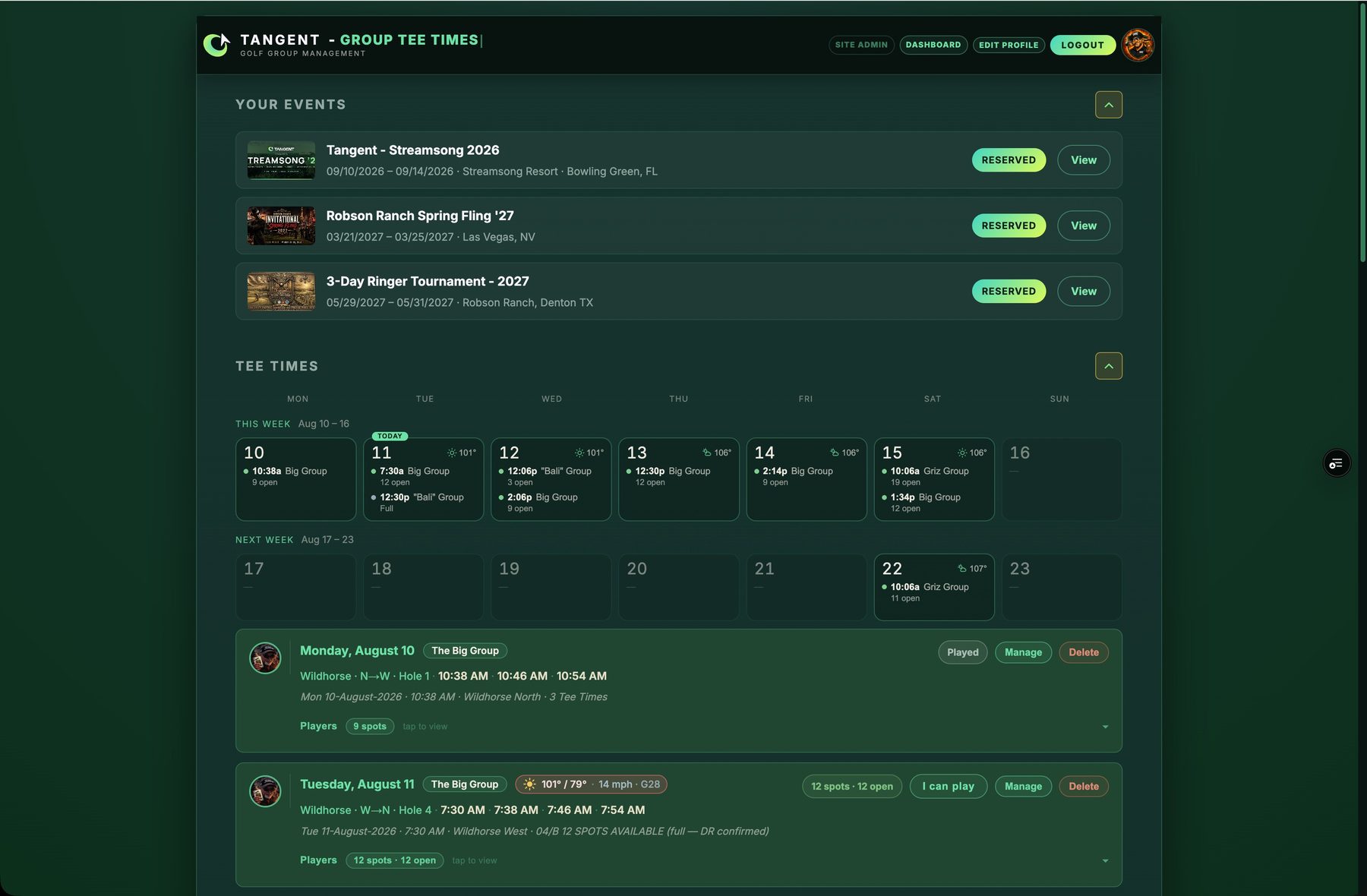
One dashboard your whole group lives on
Every member sees the same thing when they sign in: their upcoming events, the two-week tee-time calendar across every group they're in, and one tap to claim a spot.
How it works for group admins
- 1
Create your group
Name it, drop in a logo, and set how sign-ups work — first-come-first-served or approval required. Two minutes, once.
- 2
Invite your members
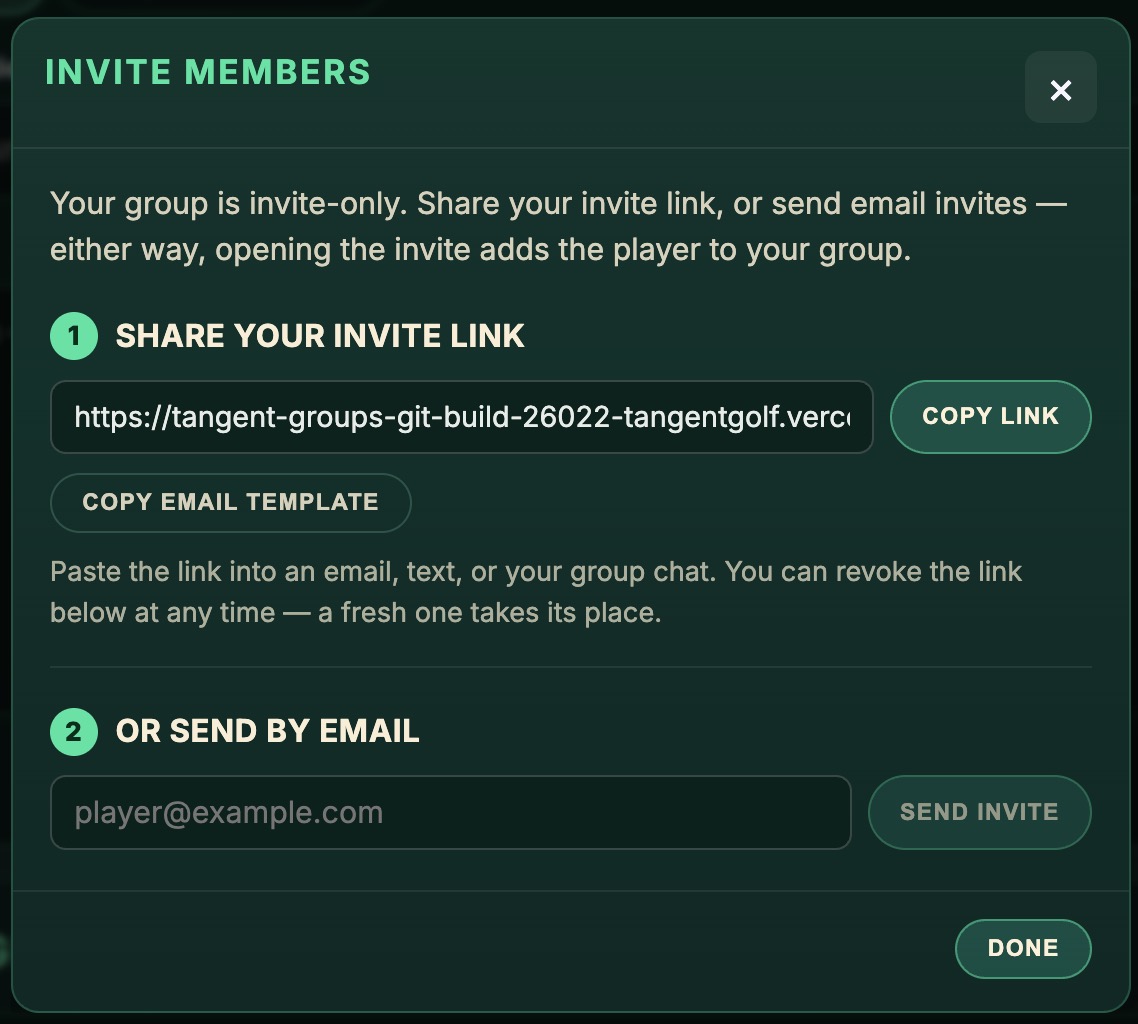
Share one invite link in your group text or send email invites. Opening the invite adds the player — no forms, no spreadsheets.
- 3
Publish the week's tee times
Date, course, times, spots. Standard tee times or shotgun starts (2B, 3A…) both work, with the whole week visible on the calendar.
- 4
Players claim their spots
Members tap “I can play” on their dashboard. The slots fill, overflow rolls onto an automatic waitlist, and openings backfill themselves.
- 5
Set the pairings
Drag players onto tee times, add guests by name, and hand a single day to a day admin so you're not the only one holding the sheet.
- 6
Tell everyone at once
One message from the group page emails your members — it sends from you, and replies come straight back to your inbox.
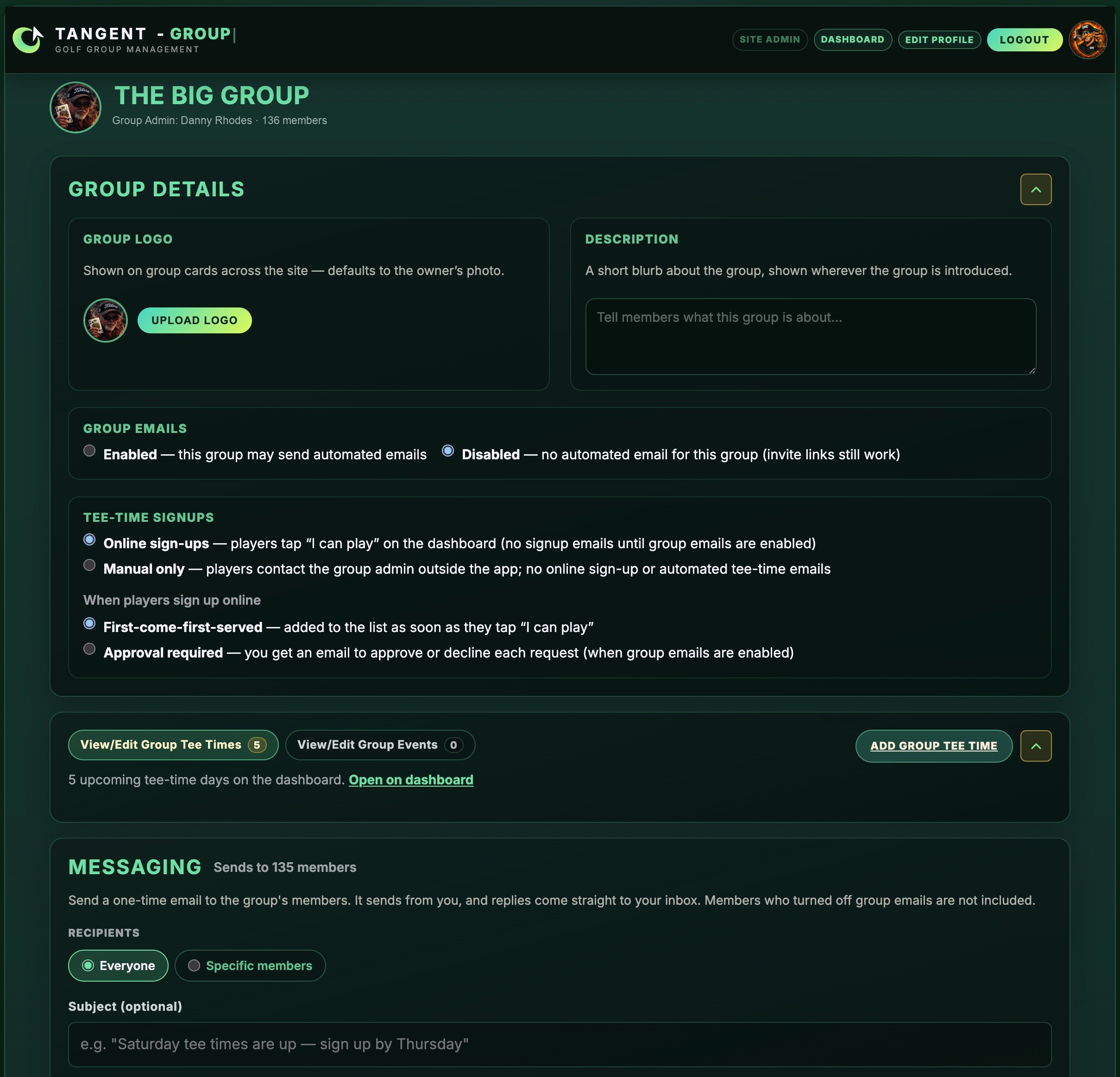
Set up once, run every week
Your group's page holds everything in one place — logo, sign-up rules, tee times, and messaging. Courses come from the iGolf catalog, so ratings and scorecards are already right.
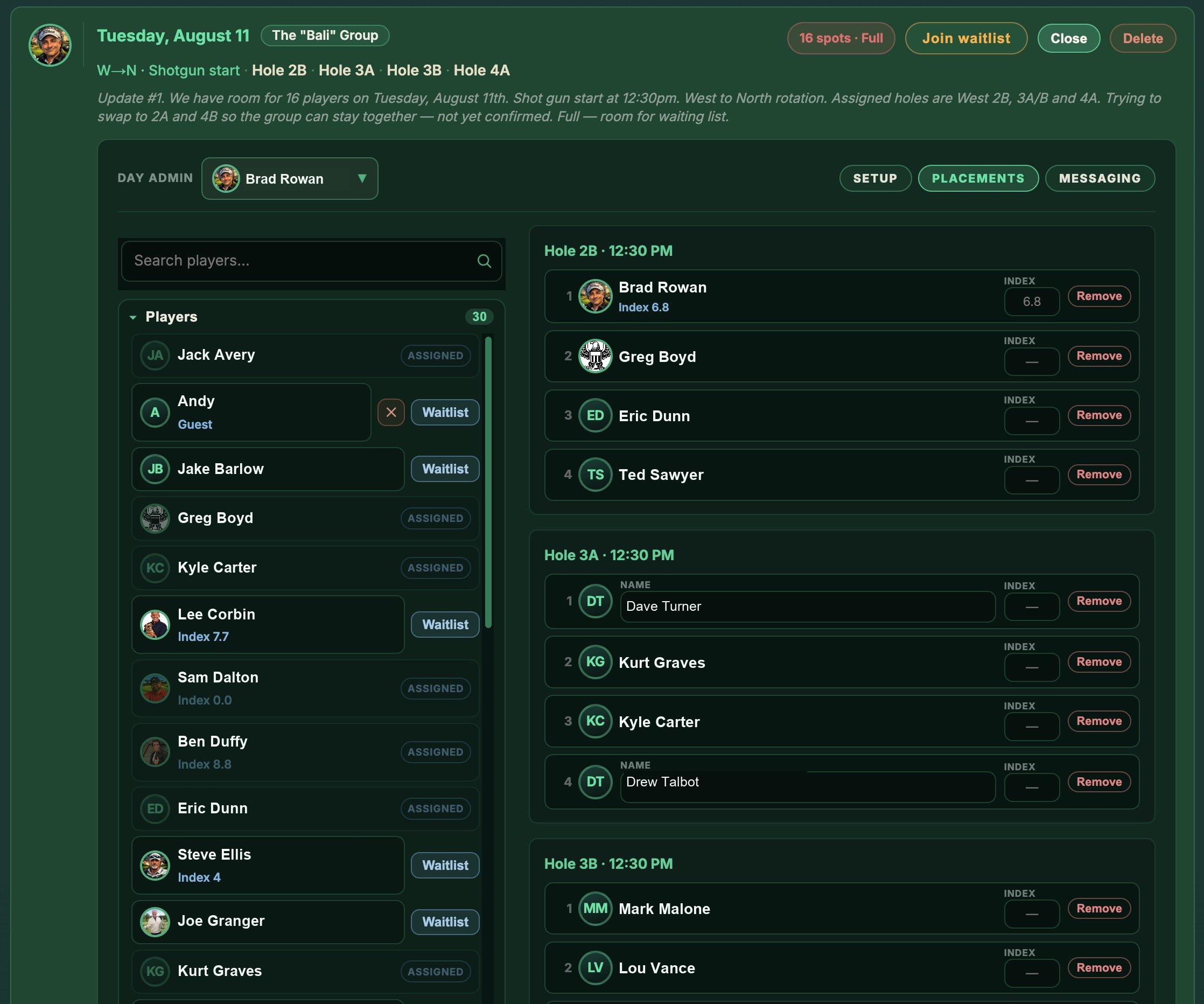
Pairings without the puzzle
Drag players onto tee times or starting holes, see everyone's index inline, add guests by name, and put the day in a day admin's hands when you're out of town. Shotgun starts get per-hole groups automatically.
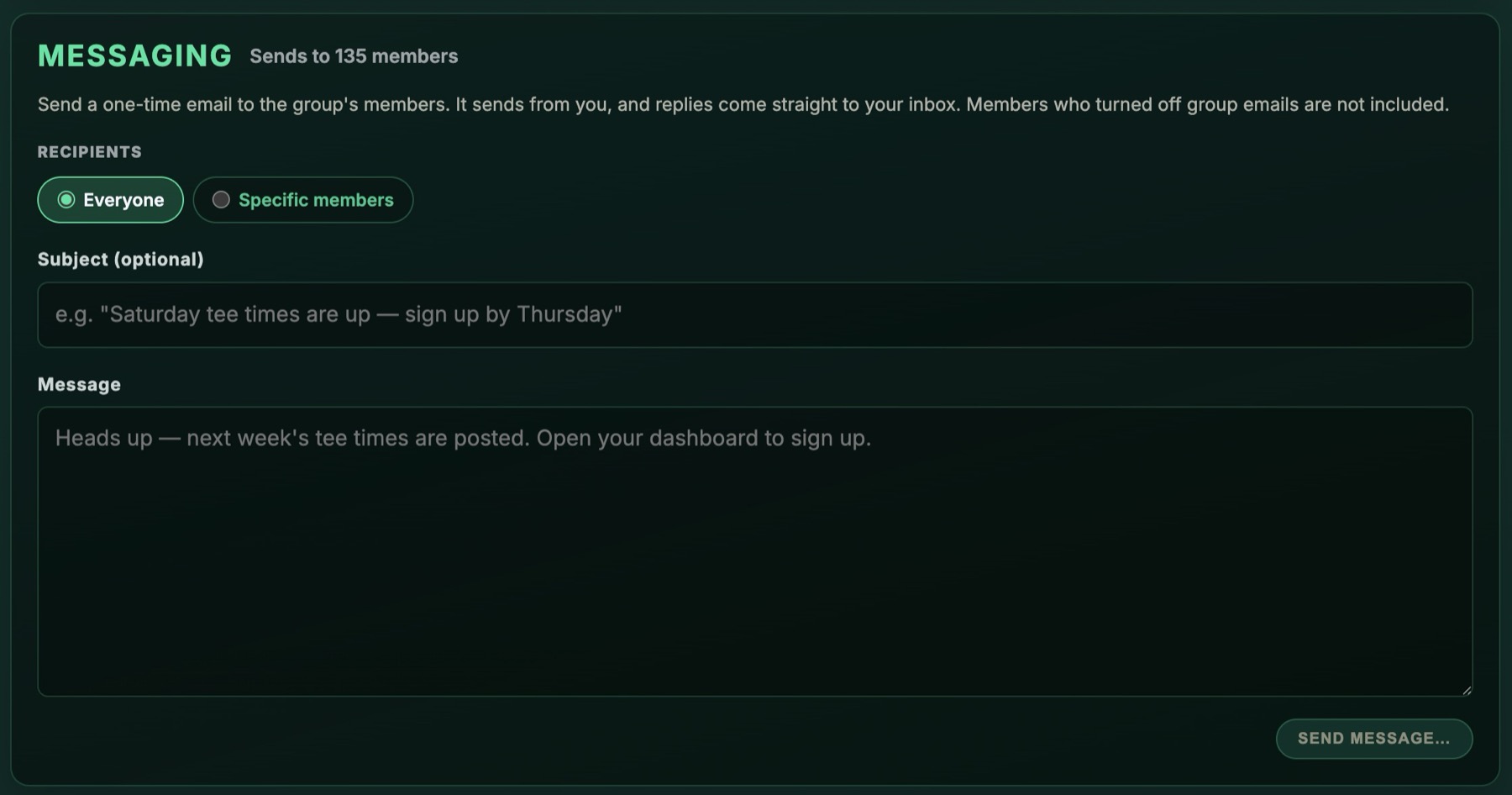
One message reaches everyone
Announcements go from the group page to every member's inbox — sent from you, with replies coming straight back to you. Pick everyone or just the players on a given day.
Growing the group is one link
Groups are invite-only. Share your link in the group chat or send email invites — opening the invite adds the player, and you can revoke the link any time.
Run your group like a pro shop
Free for your group. Members sign in with the same account they use for the Tangent Golf app — avatars, names, and handicap indexes come along automatically.
Want the full picture — every way a group can run, side by side? How it works